
Remote workers deal with communication gaps as their top challenge. In fact, 29% name it their biggest issue. Meanwhile, 38% of managers say collaboration feels harder without an office.
You send tons of messages each day. People exchange 376 billion emails globally every day. Microsoft Teams sees 22 billion messages monthly. Slack users spend 1 hour and 42 minutes there daily. Yet confusion lingers. Text chats miss 70-93% of nonverbal cues like tone or gestures. That leads to mix-ups and lost time.
This article shares proven steps to fix those gaps. You’ll learn to spot pitfalls, pick the right tools, embrace async work, use AI helpers, and build solid habits. Tools like Slack and Teams play a role. Async trends help global teams. AI cuts noise. Start with these changes, and your team will move faster with less stress.
Spot the Hidden Pitfalls Holding Your Remote Team Back
Remote setups hide traps that offices avoid. Unclear messages spark arguments. Delayed replies build frustration. Time zones delay progress. Without face-to-face chats, engagement drops.
Consider one team. They missed a deadline because a Slack thread stayed vague. “Let’s update the report soon” meant nothing clear. No one knew who owned what. Or when. That happens often remotely. People assume others get hints from tone or nods. Text lacks those clues.
Spot these issues first. Audit your chats. Count vague phrases like “touch base” or “ASAP.” Track response times. Note repeat questions. These signs point to gaps. Fixing them boosts output right away.

How Missing Nonverbal Cues Leads to Mix-Ups
Text hides feelings. A quick email sounds harsh without a smile. Video or voice adds warmth. Studies show nonverbal cues make up most meaning. Remote text drops those signals.
Use emojis for quick tone hints. Send voice notes for nuance. Switch to video for big talks. Many companies mix office and remote days. That recaptures some cues.
For example, one manager added weekly video check-ins. Confusion fell by half. Teams felt more connected too.
The Trap of Too Many Messages Without Action
Volume overwhelms. Workers get 121 emails and 92 Slack pings daily. Yet key info hides. No clear next steps mean stalled work.
Audit your tools. Spot duplicate threads. Set rules for each channel. Email for formal updates. Chat for fast questions. That cuts clutter.
Check remote team communication best practices for more on fixing overload.
Choose Tools That Fit Your Team’s Flow
Pick tools that match your needs. Slack shines with integrations. Microsoft Teams suits Office users. Its 320 million users send billions of messages monthly.
Start with team size. Small groups like Slack’s simple setup. Big firms prefer Teams’ full suite. Consider time zones too. Async features help global crews.
Set rules early. Use email for docs. Slack for quick chats. Video for brainstorms. Chaos fades when everyone knows the plan.
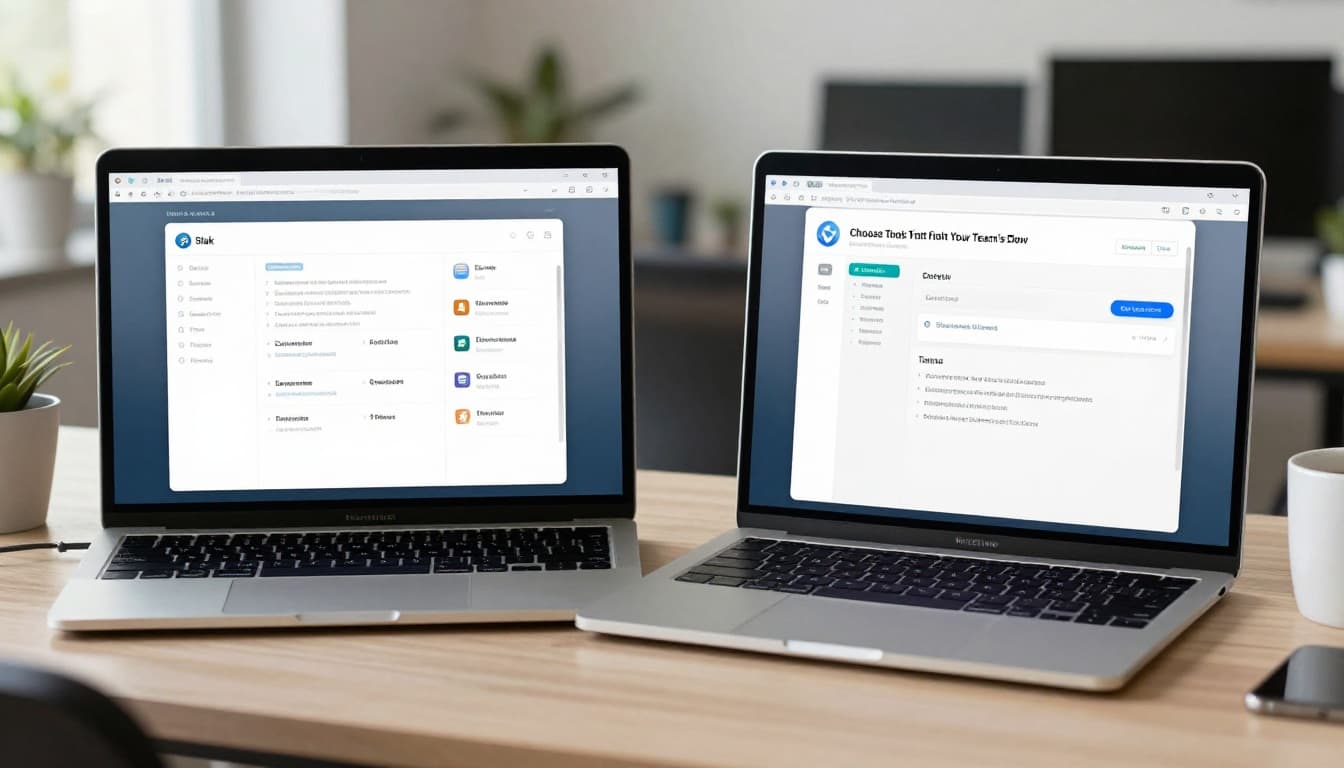
Slack vs. Teams: Which Wins for Your Crew?
Slack offers easy chats and async perks. It connects to thousands of apps. Teams ties into Office 365. File shares and calendars sync smooth.
Need integrations? Go Slack. Heavy on docs and email? Pick Teams. See a full Slack vs. Microsoft Teams comparison to decide.
Both handle video and files well. Test free trials. Ask your team.
When to Bring in Discord or Other Newcomers
Discord fits voice-heavy teams. It started in gaming but works for work calls now. Low latency helps real-time talks.
All these tools add multimedia. Share screens or clips to replace body language. Pick based on your flow.
Shift to Async Communication for Global Teams
Async work rises in 2026. It fits time zones. Cuts meeting fatigue. Teams focus deeper. Output climbs across locations.
Define response times. Use shared docs for updates. Measure results, not hours online.
Steps include tool rules and key info logs. That keeps everyone aligned without live syncs.

Set Response Rules That Everyone Follows
Agree on SLAs. Urgent needs 2 hours. Standard gets 24 hours. Post them in channels.
This eases worry. It honors off-hours too. One team saw burnout drop after this.
Write It Down So Nothing Gets Lost in Chat
Log decisions in docs. Summarize threads weekly. Add idea channels for sparks.
Project tools track tasks. Output rose 30% in some groups. Read about async trends for remote teams.
Tap AI Tools to Cut Through the Noise
AI hits 70% adoption by 2026. It handles summaries and rewrites. Slack GPT sees millions of uses monthly.
Rewrite fuzzy notes. Auto-sum long threads. Future agents take tasks.
Blend with human checks. That speeds teams without errors.

AI Summaries and Rewrites for Busy Days
Long threads waste time. AI boils them down. Voice agents book meets.
Clarity jumps. Save hours weekly.
Break Language Barriers with Instant Translation
Global teams thrive. AI translates chats live. Examples abound in 2026 firms.
Check AI tools for remote communication.
Build Habits That Make Every Message Count
Clear subjects guide readers. Bullets break complex info. Add CTAs with who, what, when.
Etiquette matters. Use threads. Tag wisely. Mix real-time check-ins for bonds.

Craft Messages with Punchy Subjects and Calls to Action
Try: “Q2 Report Due Friday – Input Needed by Wed.”
Use bullets:
- Review section 3.
- Reply by EOD.
- Assign fixes.
Action follows.
Create Team Rules for Smooth Digital Etiquette
Ban all-caps. Thread replies. Tag @ sparingly.
Feedback loops help. Monthly chats tweak rules.
Communication gaps shrink when habits stick.
Spot pitfalls like missing cues and overload. Choose tools such as Slack or Teams. Go async with rules and docs. Add AI for summaries. Build message habits.
Teams cut confusion fast. Productivity rises. Bonds strengthen.
Pick one tip today. Set response rules this week. Share your wins in comments. What works for you? Future posts cover hybrid setups.