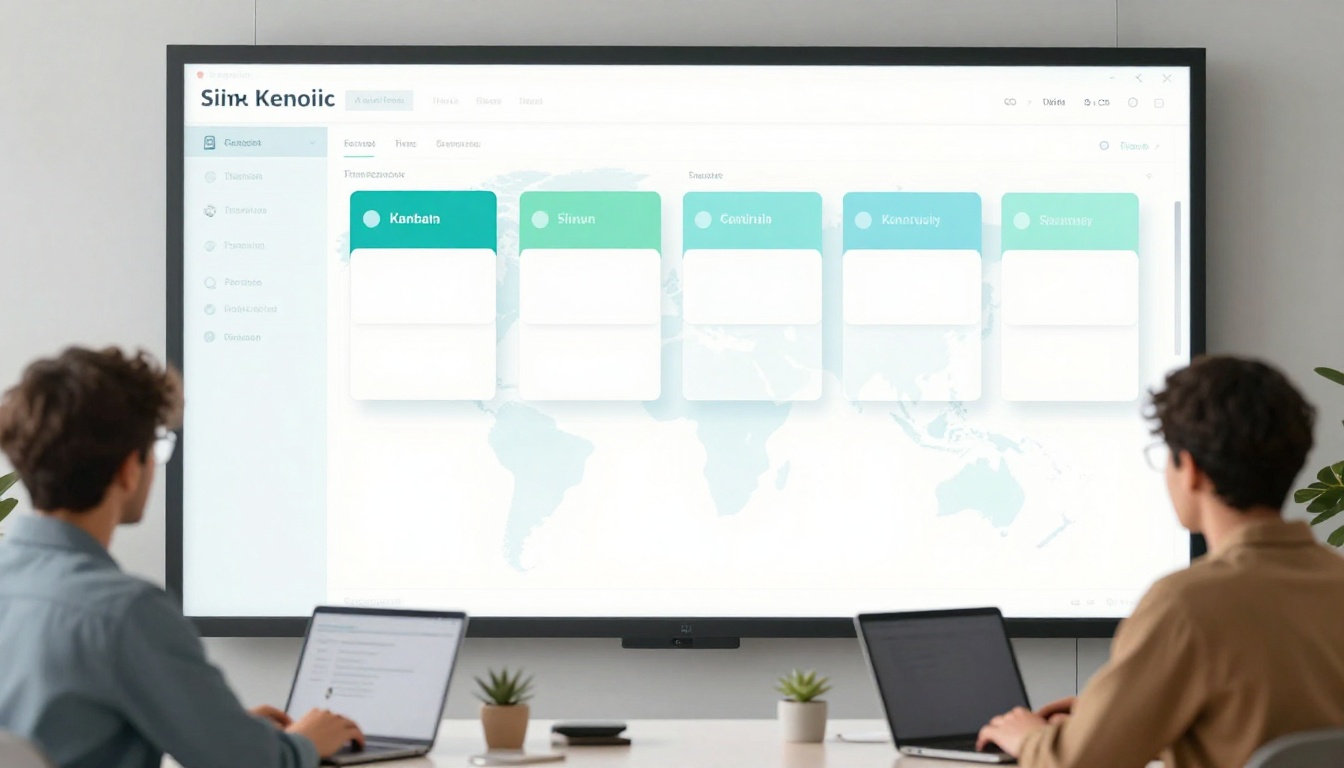
Remote teams often deal with scattered tasks and missed deadlines. In 2026, 70% of US remote workers report unclear messages as a top issue. This leads to confusion and duplicated efforts. Time zone differences make it worse, especially across coasts.
You feel the pain when projects stall because no one knows who’s handling what. Tools help, but too many overwhelm everyone. Good task management fixes this. It boosts productivity and keeps morale high. Teams using tools like Asana see 40% higher task completion.
This post covers key steps. First, pick the right tools. Next, set clear processes. Then, improve communication. Finally, track and refine. Follow these, and your online team stays on track without constant meetings.
Pick the Right Tools to Streamline Your Team’s Workflow
Start with tools that fit remote work. Asana and monday.com lead in 2026. They offer task boards, assignments, and deadlines. Plane and doBoard provide strong visuals for quick checks. These beat spreadsheets because everyone sees updates in real time.
Slack or Matrix links chat to tasks. This cuts back-and-forth. Automation features shine. They handle routine work so people focus on big items. A small stack of three to four connected tools works best. More apps scatter info and slow teams down.
Remote setups benefit most. Time zones mean async updates matter. Tools show progress without pings. AI trends add smarts, like auto-scheduling. Check 7 best task management tools for remote teams in 2026 for full lists.
Keep it simple at first. Test one tool for a sprint. Train the team quick. Results build buy-in.

Visual Boards and Automations That Save Hours
Boards in Asana or monday.com display work at a glance. Drag cards from “To Do” to “Done.” Everyone spots delays fast.
Auto-notifications alert on changes. A task assigned pings Slack. Status shifts trigger updates. For example, move a card to “In Progress,” and the team gets a note. This drops check-in needs by half.
Errors fall too. No more “Who owns this?” questions. Online teams save hours weekly.
Async-Friendly Chat and Scheduling Add-Ons
Slack’s focus mode blocks distractions. Matrix threads keep talks tied to tasks. No live calls needed for status.
Shared calendars show no-book blocks. Protect deep work across zones. Link them to task tools. Now you see deadlines next to free slots. Teams stay aligned without overlap fights.
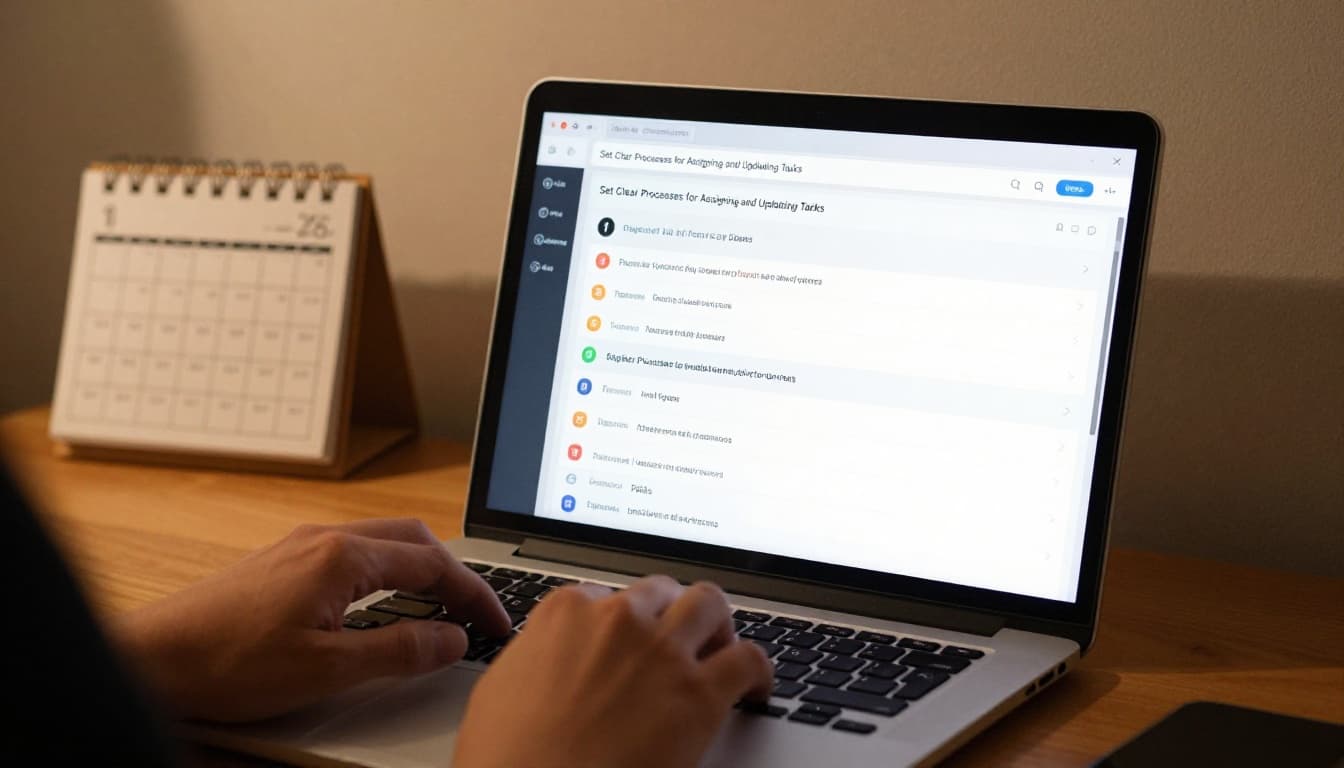
Set Clear Processes for Assigning and Updating Tasks
Clear rules prevent chaos. Share weekly priorities in a shared doc. Managers list top items first. Assign owners, deadlines, and levels like high or low.
Track goals, not hours. This builds trust. Simple Scrum fits non-tech teams. Use one-to-two-week sprints. Post daily async updates on boards. Hold short reviews at end.
Status tags like “on duty” help. Limit meetings to blockers only. Real teams cut confusion this way.
Weekly Priorities and Quick Standups
Post top three to five tasks each Monday. Everyone comments on blockers. A 15-minute async video or chat spots issues fast.
Remote teams align in minutes. No full meetings. Progress feels steady because priorities stay visible.
Break Work into Sprints for Steady Progress
Set sprint goals like “Finish client report.” Update boards daily. Review wins and slips at end.
This adds transparency. Momentum grows as tasks cross off. Non-tech groups adapt it easy with short cycles.
Foster Communication That Keeps Tasks on Track Without Burnout
Set channel rules upfront. Use chat for quick asks. Docs hold full context with task links. Save video for complex topics.
Async rules let updates happen anytime. Tie every talk to a task ID. Radical transparency means open boards for all.
New hires get a one-page setup guide. Global teams cut confusion because info lives in one spot.
Rules for Chat, Calls, and Written Updates
Chat suits yes-no questions. Complex needs go to docs. Ditch email chains.
Examples: “Task #123 update” in Slack links back. Notifications drop. Overload ends.
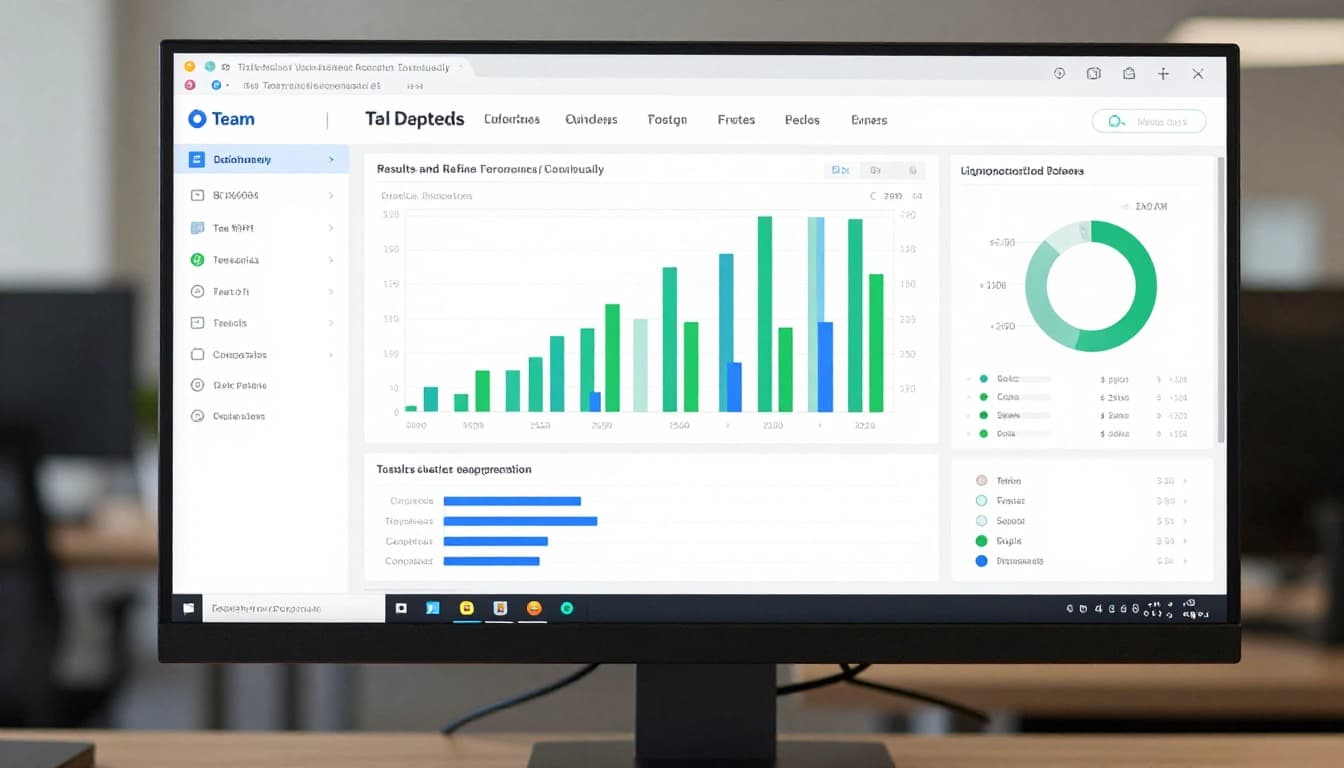
Monitor Results and Refine Your Approach Continuously
Focus on outcomes. Give autonomy but check dashboards. Reward quick wins publicly.
Gather feedback after sprints. Ask “What slowed us?” Tool reports show completion rates.
Tweak based on data. Iterate weekly for gains.
See AI automation tools for 2026 for trend insights.
Efficient online teams pick solid tools, set processes, communicate smart, and monitor often. These steps turn chaos into flow. Productivity rises, and burnout fades.
Try one tip this week, like a weekly priority doc. Share your results in comments below. AI tools will grow, but these basics keep teams strong in 2026 and beyond. Your crew can thrive async.